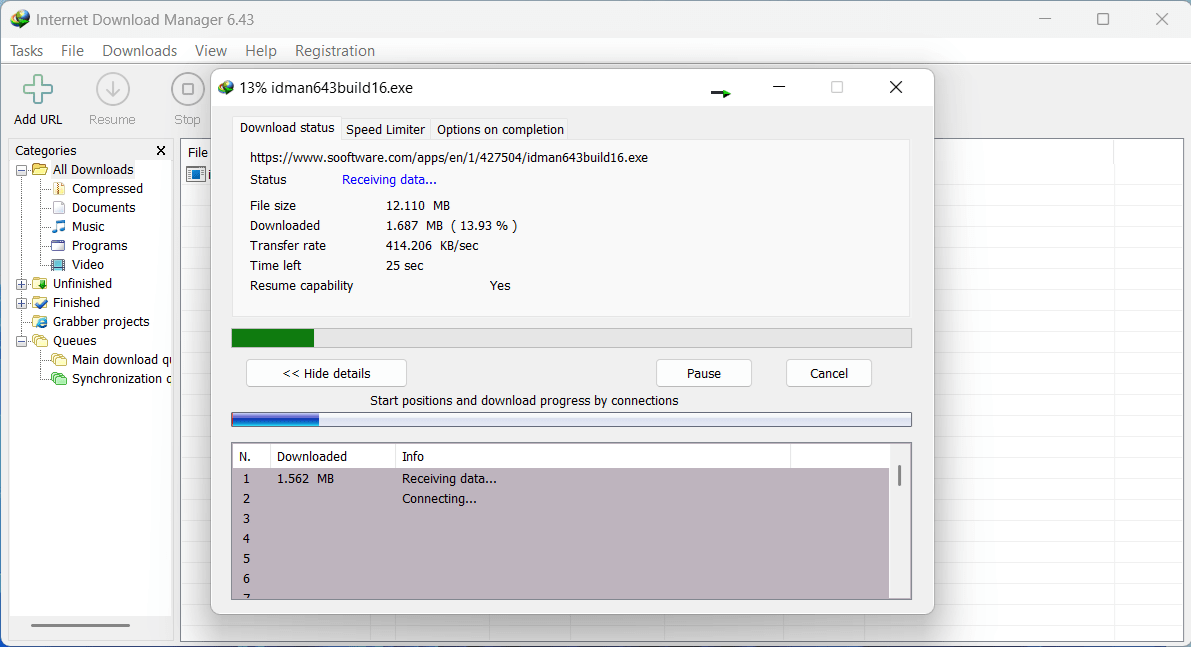
If you regularly download files from the Internet, you'll find Internet Download Manager to be a useful application. It can be used to grab downloads from the web and then download them to your PC outside of your Internet browser. This can be useful when you need to download a large file, but don't want to lose progress by closing your browser.
Flexible download management
With Internet Download Manager, your downloads will continue regardless of whether your browser is open or closed. You can also pause and resume downloads at any point, and restrict download speeds to limit the impact on your bandwidth.Simple interface and support
The UI is simple and easy to navigate. All of the current, past, and upcoming downloads can be found through the categories pane located at the left-hand side of the app. If you ever need help, there's also a help section that explains the functionality of the program in detail.Quick browser integration
Setting up Internet Download Manager is also very simple. After installing it from the developer's website, we found the program to immediately set itself up on Google Chrome, Firefox, and Microsoft Edge. All we needed to do was restart all browsers, and it was ready for use.Speed claims fall a bit short
The only complaint we had with this software is that the website mentions users can increase download speeds up to 5 times. Whilst we didn't test this on a slow Internet connection, it seems that download speeds are, in fact, slower than standard speeds when connected to a high-speed network.